
 EN
EN  VI
VI  ZH
ZH Logging in to a large number of Facebook tools is a big problem today. The main solution is to log in to the browser cookie for safety. How to get Facebook cookies? Today MINSOFTWARE will guide you to get Facebook nick cookies quickly and simply.
Get Cookie of Facebook account to use Minsoftware Facebook Tool, you need to have your account cookie. Use Cookie to log in to Tool. How to get Cookie as follows:
Step 1: Log in to Facebook.com.
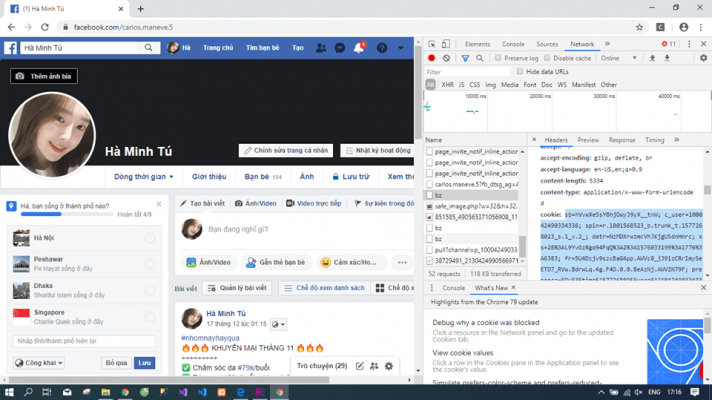
Step 2: Go to your personal page and go to the introduction section.
Step 3: Press the key combination Ctrl + Shift + J.
Step 4: Select Netwwork and check bz.
Step 5: Copy from sb= to the end of that cookie string.
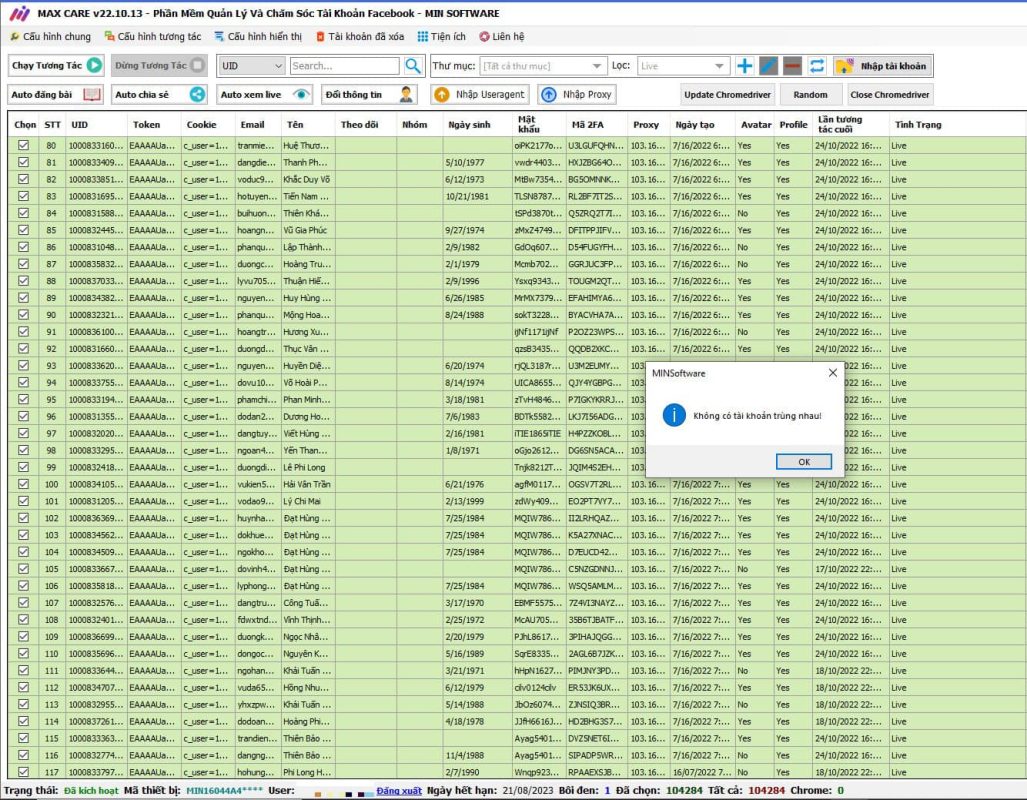
After getting the cookie of your Facebook account, you can put the cookie in Facebook account maintenance software – Max Care to manage cookies. If you still cannot do it after the above steps, you can contact the page. Minsoftware Support for advice and support.